
Ready-made
business apps.
Daily records, schedules, tasks, files, payments and reports. Already connected.
Daily records, schedules, tasks, files, payments and reports. Already connected.
One workspace
Sheets, notes, payment lists and follow-ups move into one organized workspace.
Made for your work
Each Owmii app is shaped for a specific business, with the right records, views, filters and reports already in place.
Every device
Desktop, tablet and phone. Work online or offline. Your data stays yours.
From scattered work
Sheets, notes, payment lists, files and follow-ups are useful on their own — until they become five places to check. Owmii brings them into one organized workspace shaped around the way your business actually runs.
Everything stays connected as the business moves through the day.
Owmii workspaces
Start with an available Owmii app, or explore the workspaces coming next. Each one is shaped around a specific kind of work.
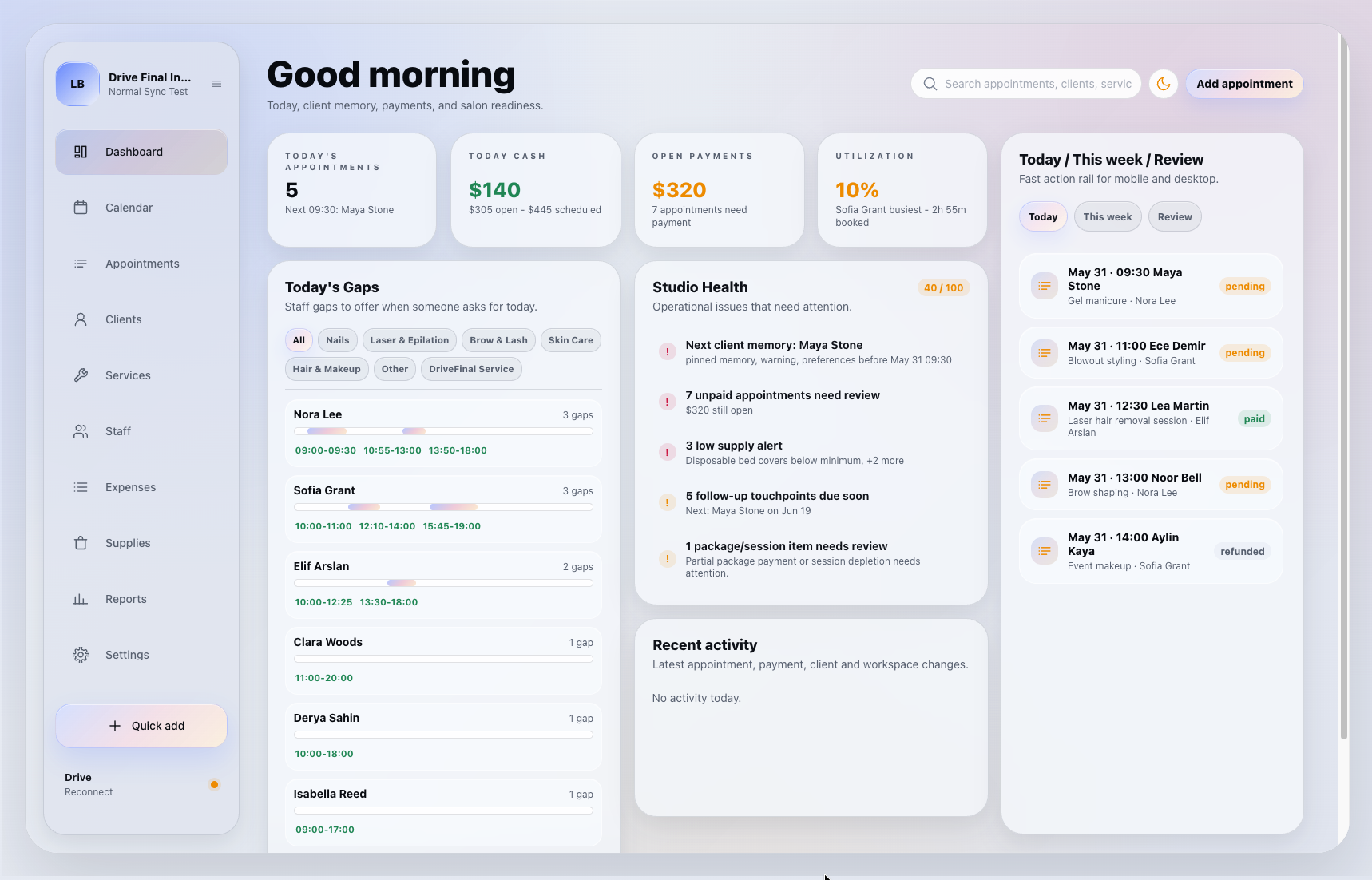
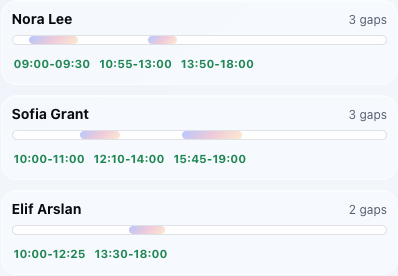
Appointments, client memory, package sessions, payments, staff, rooms and supplies in one calm workspace.
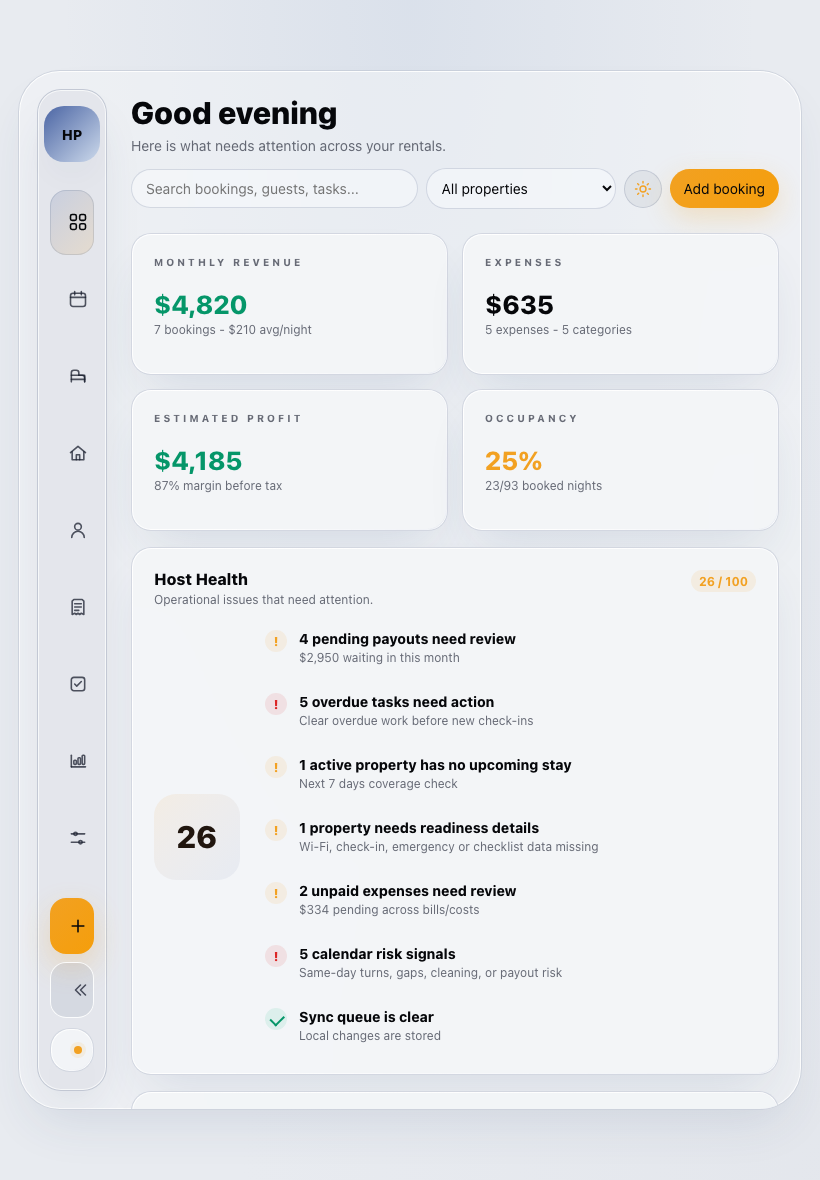
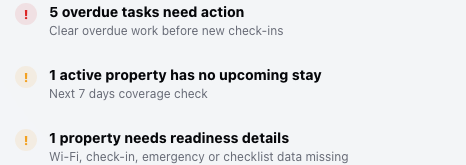
Bookings, guest notes, turnover tasks, documents and expenses without rebuilding the same host spreadsheet.
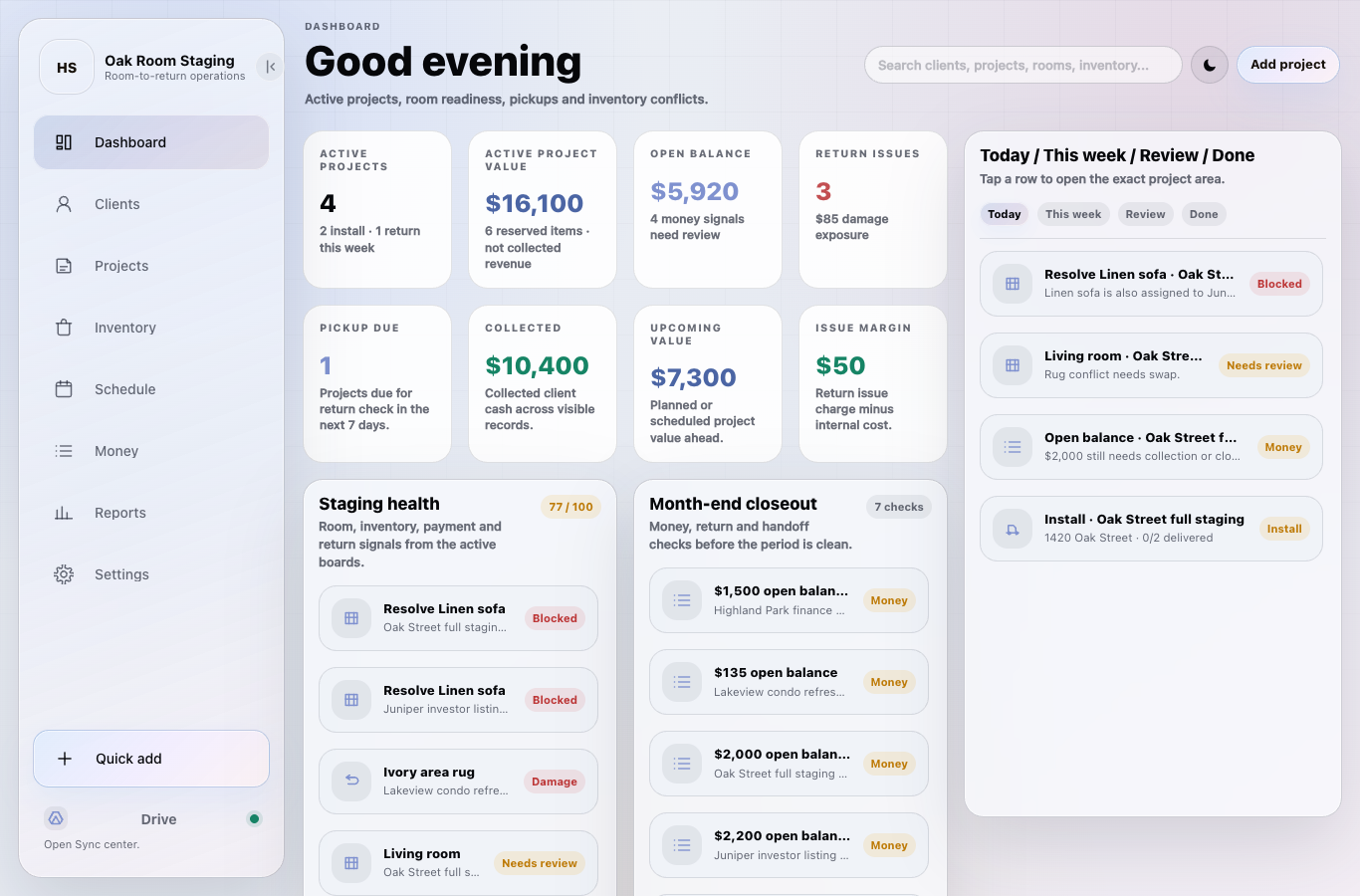
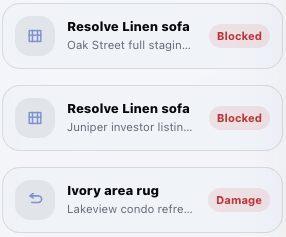
Plan rooms, reserve inventory, run loadout and return checks, track project money and close out staging work.
Track vehicles, bookings, mileage, maintenance, handovers and return checks from one owner workspace.
Keep cases, documents, deadlines, client follow-ups and renewal dates visible before a missing detail becomes a problem.
Track policies, renewals, documents, payment notes and client follow-up dates without rebuilding the same spreadsheet every month.
Built-in workflows
Every Owmii app starts with the daily actions small businesses repeat: setup lists, quick records, payments, files, reports and period handoff.
Your data, your control
Use Owmii locally first. Connect your own cloud account when you want backup or multi-device sync. Your records stay on your device or in your cloud — not inside Owmii.
Work locally
Records, schedules, payments, notes and files stay usable even before cloud sync is connected.
Add sync when you want
Google Drive is available first. More cloud options can come later.
Continue anywhere
Use desktop, tablet and phone without turning Owmii into the owner of your data.
Owmii stores license and device access only
Owmii does not store your daily business records
You can always export your workspace data
How it works
Add Owmii to your device, activate your license, set up your workspace and start with real records. Connect Drive only when you want backup or multi-device sync.
Preview
Profile
License
Google Drive
Ready
 Google Drive
 connected
Optional sync for your own Google Drive account.
Connected · backup and multi-device sync ready
Google Drive
Google Drive connected
Optional sync for your own Google Drive account.
Connected · backup and multi-device sync ready
Plans
Each plan activates one focused Owmii workspace for one business. Use the demo first, then buy the license that fits how you want to own your app.
Limited founder quantity. One-time payment.
Planned for owners who want updates included while active.
Planned for flexible access with the lowest commitment.
Prices are for one purchased Owmii app. Your daily business records stay local or in your own connected cloud account.
Plain-English answers
A practical guide for owners comparing spreadsheets, notes, file folders and generic software with a ready-made business app.
Owmii is a family of ready-made local-first business apps for owner-operated businesses. Each app is shaped around a specific kind of daily work instead of starting from a blank spreadsheet.
For businesses using Excel or Google Sheets to track appointments, tasks, payments, files and reports, Owmii can be a calmer alternative. It keeps connected records and workflows in an app interface instead of spreadsheet formulas and scattered tabs.
Owmii is for small owner-operated businesses that need structure without a large generic SaaS system. Beauty studios and rental hosts are the first available workspaces.
Owmii connects daily records, schedules, tasks, payments, files, reports, setup, export and optional Google Drive sync inside the selected workspace.
Owmii is not a POS, payment processor, payroll system, accounting firm, tax advisor or channel manager. It helps owners organize daily work and prepare records without pretending to be those systems.
Owmii stores license and device access data only. Daily business records stay on the owner’s device or in the owner’s connected cloud account when sync is enabled.
FAQ
Short answers for setup, ownership, devices and the way Owmii handles business data.
Owmii is a family of focused business workspaces. You choose the app made for your line of work, such as beauty studios or rental hosts.
Open the workspace in your browser, add it to your device, activate your license and finish the setup guide. It works like an app after that.
Your daily records stay on your device first. If you connect Drive, sync and backup use your own Google Drive account. Owmii stores license and device access only.
No. You can use Owmii locally. Google Drive is available first for backup and multi-device sync; more cloud options can come later.
Yes. The same workspace is designed to work across desktop, tablet and phone. Lifetime owner licenses include 3 owner devices.
V1 is built for owner/operator use. Staff roles, permissions and team access are planned for a future Team plan.
Yes. Owmii should never trap your business records. Reports, CSV exports and document downloads are part of the product flow where relevant.
The launch lifetime license activates one selected Owmii app for one business, with lifetime V1 use, 1 year of updates and 3 owner devices.
You can keep using the V1 workspace you purchased. Future major upgrades, team accounts or extra workspaces may be offered separately.
Use the public demo before buying. If you bought the wrong app or cannot activate your license, contact support from the purchase e-mail so we can review it with the order details.
V1 owner support covers activation, setup, licensing and product issues. Custom data entry, bookkeeping advice and custom feature development are outside standard support.
You receive a license for the selected Owmii app. The checkout, activation and setup flow guides you into the workspace without starting from a blank page.



 RC
RC